Sheet 02
Read a gauge
Use any photo of an analog pressure or temperature gauge. The reader runs on AWS Lambda with OpenCV 5 and shows you every stage: where it found the dial, how it straightened it, which numbers it read, and why it is or isn't sure.
Or try a sample
Samples are real photos from Wikimedia Commons, read by eye for the known answer; credits appear with each result. Your own photo is read and discarded; nothing is stored.
Photos it can read
The same gauge, photographed badly and well. Every verdict below is the reader's own output on that exact photo.
- 1
Face it squarely
Shoot from in front, not from the side. A little angle is fine; the reader straightens up to about 40°.
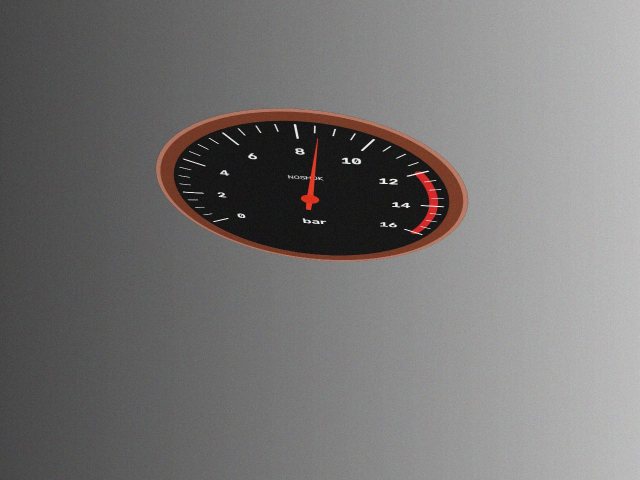
RE-SHOOT8.60 barThe dial is turned 62° away. Face it more squarely. 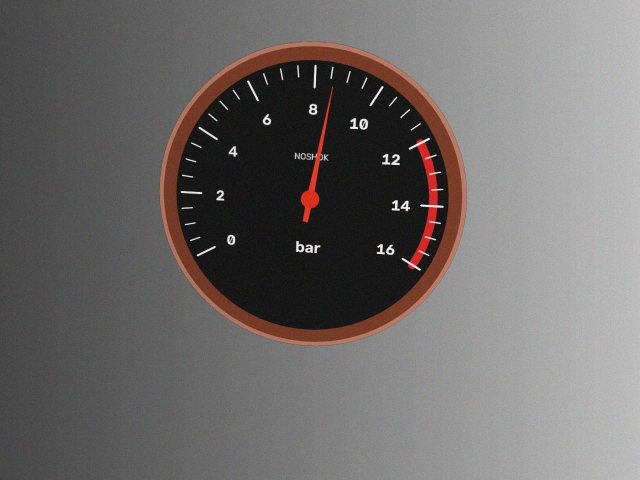
READ8.61 barKnown answer 8.6 bar; 100% confidence. - 2
Fill the frame
Get close enough that the dial fills most of the photo. Small dials lose their numbers.
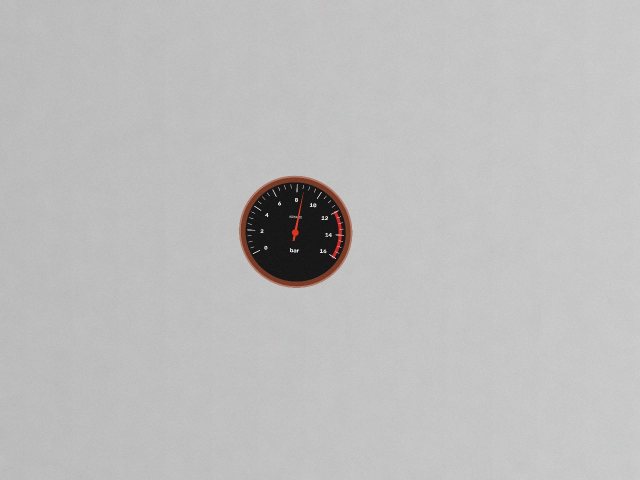
READ8.60 barThe gauge is small in the frame. Move closer. 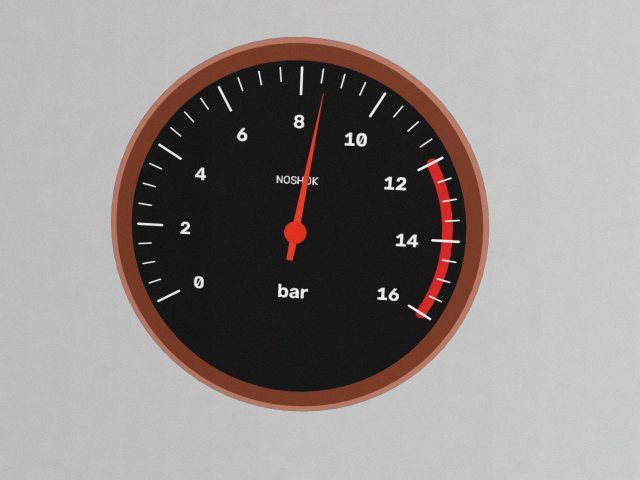
READ8.61 barKnown answer 8.6 bar; 100% confidence. - 3
Keep glare off the needle
Glass faces reflect lights. Step sideways until the bright spot moves off the needle and the numbers.
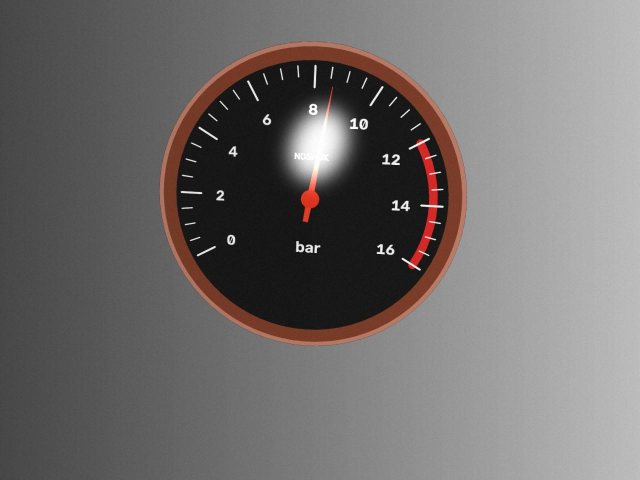
READ8.54 barGlare crosses the needle. Step to the left or tilt the phone. 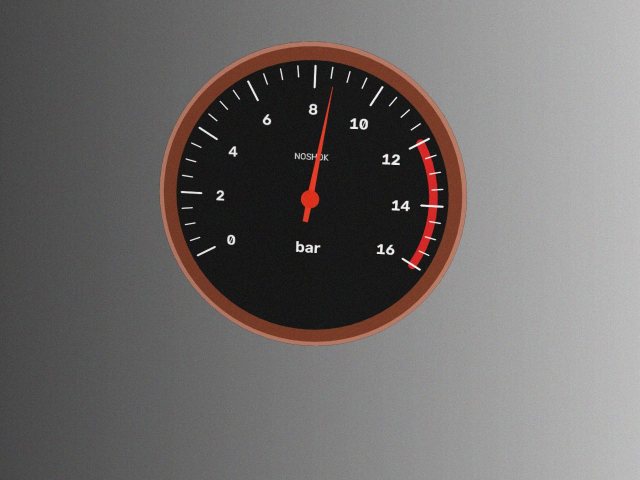
READ8.61 barKnown answer 8.6 bar; 100% confidence. - 4
Hold still
Brace your arm or wait for the camera to focus. Blur smears the thin ticks the reader measures.
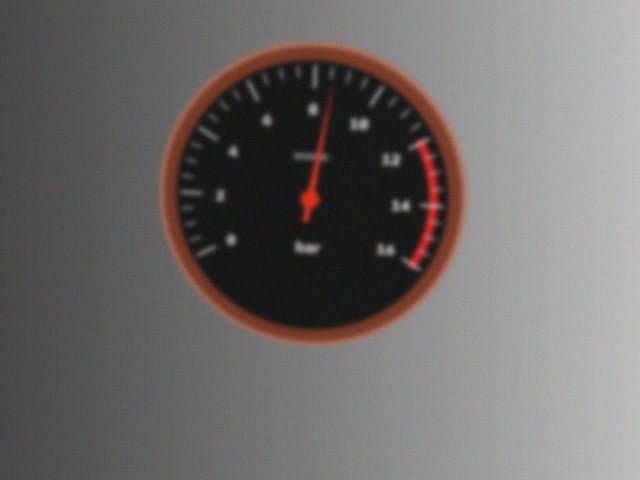
RE-SHOOTno readingCan't read the scale numbers. Get closer or reduce glare. 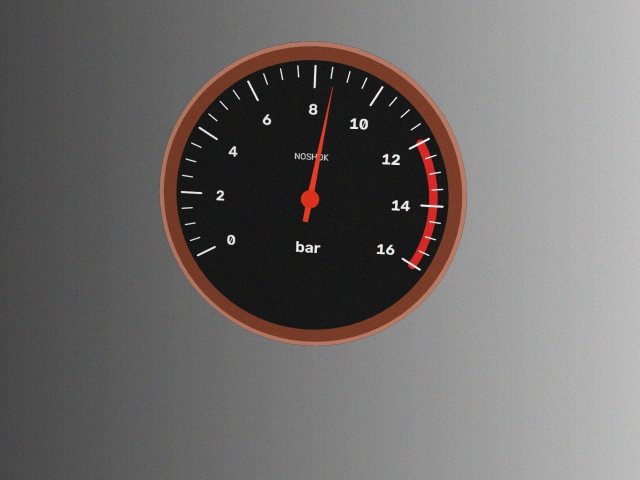
READ8.61 barKnown answer 8.6 bar; 100% confidence.
What happens to your photo
- On your device the photo is resized to 1600 px on its long side. With the camera guide, OpenCV.js checks framing, tilt, glare and focus live and nothing leaves the phone until you take the shot.
- On AWS Lambda OpenCV 5 reads it: dial, straightening, centre, needle, numbers, fit. That takes a couple of seconds, most of it reading the printed numbers.
- Back to you come the reading, every intermediate image and every measurement. On this page nothing is stored; the photo exists only for that request.
- On a round (sheet 03) the photo is kept with the reading as evidence, because a supervisor may need to see what the agent saw before approving a work order.
What it can't read yet
- Vacuum and compound gauges whose labels carry minus signs or decimal points (−1, −0.8 …). The text model has no minus or decimal characters, so a single photo can misread these scales. On a round, the gauge's registered range catches the mismatch and the agent asks for a check instead of logging.
- Digital displays and sight glasses. Dialed reads needles on round dials only.
- Dials turned more than about 55° from the camera. It asks for a better photo instead of guessing. Dials smaller than a quarter of the frame get a warning to move closer.
- Two needles (max pointers, set-point needles): it reads the strongest one, and a second needle lowers its confidence.
- Non-linear scales are read between printed numbers, so they work when the numbers are legible and fail when they aren't.